
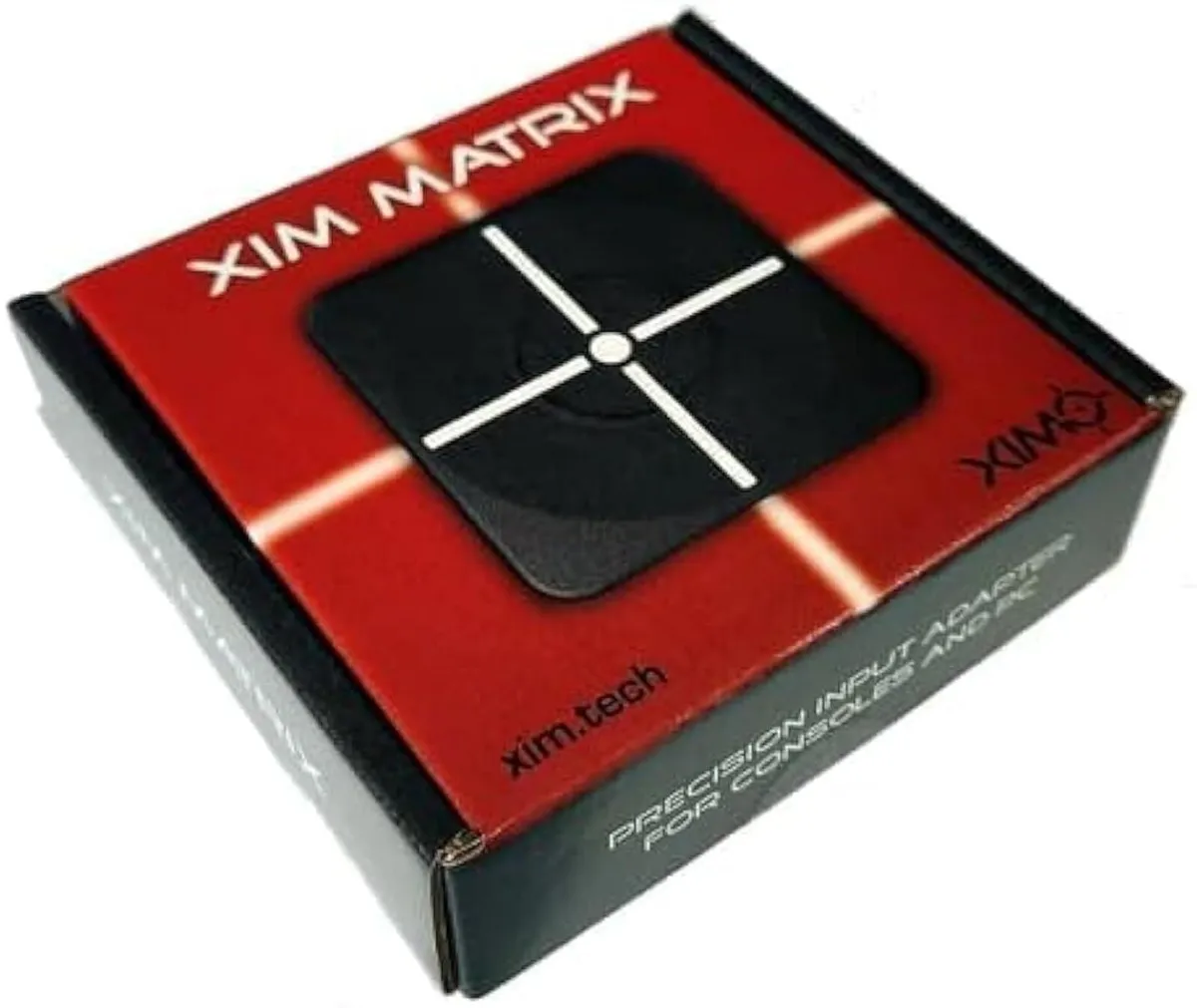
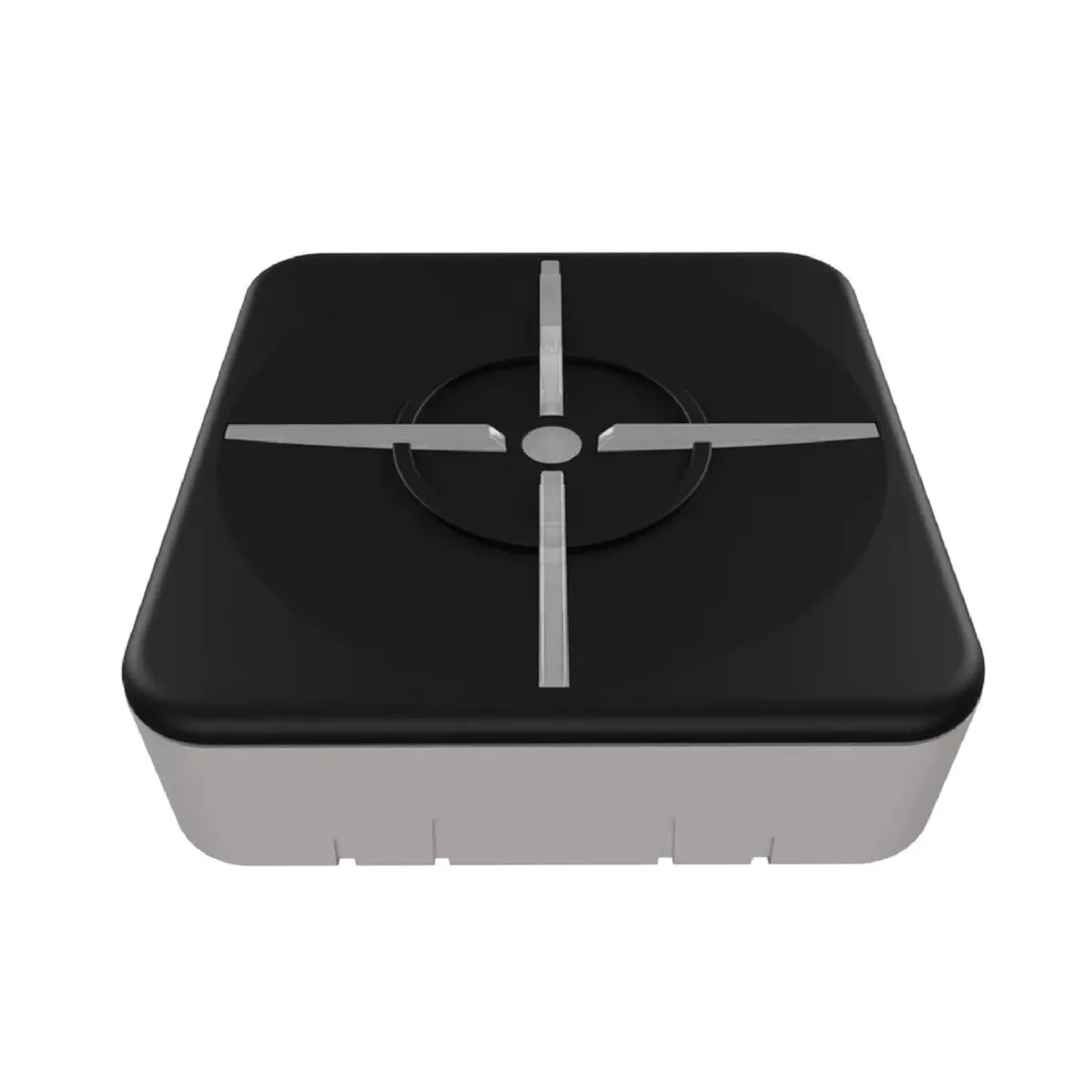
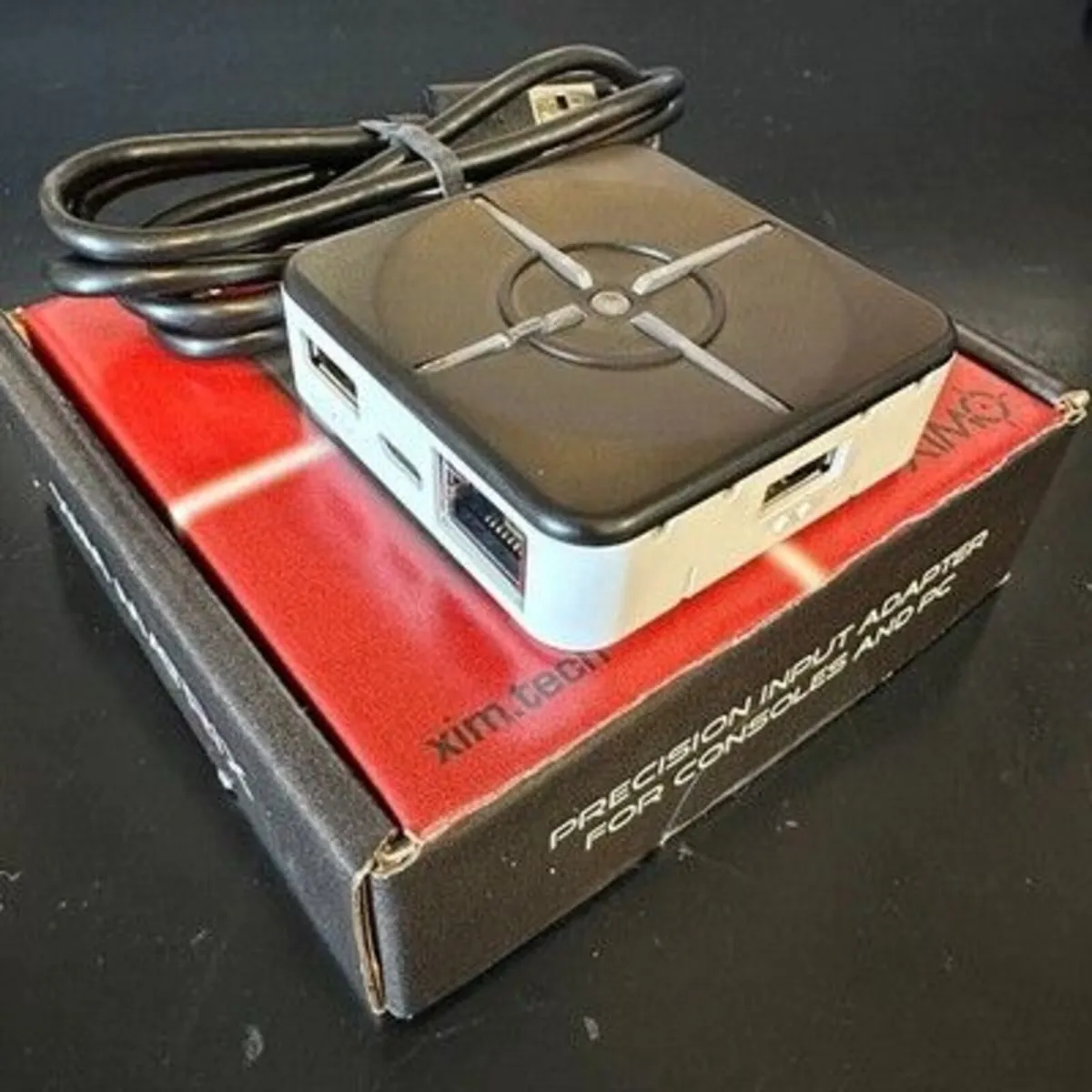

XIM Matrix Multi-Input Adapter Converter
- 1 hour
- 11 views
- Dundrum, Dublin
Description
XIM Matrix Multi-Input Adapter Converter for Xbox Series X/S, PS5, Xbox One, PS4, PC About this item NOT Plug-and-Play — Advanced Setup Required: XIM Matrix is designed for dedicated gamers who are comfortable with technical configuration. Before purchasing, please visit xim.tech/start to confirm compatibility with your setup. XIM Matrix is ideal for mouse & keyboard players, gyro controller users, gamers with disabilities, and cross-console users. Supports Xbox Series X|S, PS5, Xbox One, PS4, and PC.IMPORTANT PS5 gameplay REQUIRES a wired Ethernet connection for both your PS5 and XIM MATRIX. Wi-Fi is not supported for PS5 use. Precision and Flexibility: XIM MATRIX features XIM's proprietary Smart Translator precision aim system and Smart Actions — a built-in input automation engine configured via the XIM Manager App. Supported Input Devices: Mice, keyboards, gyro controllers, Xbox/PS/Switch controllers (wired & wireless Bluetooth), and XIM NEXUSNOTE: Smart Actions is XIM's built-in automation system only. It does NOT support third-party scripting tools or external script file imports (e.g., Cronus Zen scripts, ReWASD scripts). Mandatory Setup — Complete ALL Steps Before Gaming: Step 1 — Firmware Update FIRST (Even new devices may be out of date): Connect XIM MATRIX to PC/Mac and update at xim.tech/downloads. Requires Windows 10/11 x64 or macOS 13+. Step 2 — Download XIM Manager App (Required for all configuration): iOS 17+ / Android 9+ / Windows 10/11 x64. Bluetooth LE required. Download from Google Play, App Store, or xim.tech/downloads. Do NOT pair via your phone's Bluetooth settings — pair through the App only. Step 3 — PS5 Users: Enable Remote Play on PS5. Connect both PS5 and XIM MATRIX via wired Ethernet. Register your PSN account in the XIM Manager App. Troubleshooting Quick Reference: No LED / Won't Power On: Update firmware first at xim.tech/downloads. Check USB cable and port. App Won't Connect: Enable Bluetooth LE (NOT standard Bluetooth). Use iOS 17+/A
Some information displayed may be provided by third parties or identified using AI, and may not be fully accurate, complete, or up to date.
![[object Object] image](https://statics.donedeal.ie/dist-marketplace-frontend-donedeal/2026.6.25-150144.production/spassets/images/illustrations/profile-new.svg)
sam
- Private Seller
- Dundrum, Dublin
Email, Phone
No rating
0
No reviews yet
16 years
on DoneDeal
DoneDeal Rating
This seller does not have a rating yet.
Find out how we are keeping you safe.
Learn MoreYou may also like
- Similar items in your price range
- 1 / 7
15A Power Adapter 12V AC DC Converter Supply
- 23 days
- Greystones, Co. Wicklow
- 1 / 1
oneplus 120w plug dual ports super adapter ( type
- 1 day
- South County, Co. Dublin
- 1 / 8
15A Power Adapter 12V Converter for Devices
- 20 days
- Ennis, Co. Clare
- 1 / 1
oneplus 120w plug dual ports super adapter ( type
- 9 days
- South County, Co. Dublin
- 1 / 1
oneplus 120w plug dual ports super adapter ( type
- 17 days
- South County, Co. Dublin
- 1 / 4
Single Diode LED Headlight Converter Male Plug
- 2 days
- Greystones, Co. Wicklow


Legal
DoneDeal.ie is not responsible for the advertised goods. It is illegal to use the contact information for commercial purposes.
Tips and Guides
- Safety Guide
- Be informed, read our advice if you get unwanted calls