

1 / 8
For Sale – Guitar Pedals & Accessories
- 5 hours
- City Centre, Co. Dublin
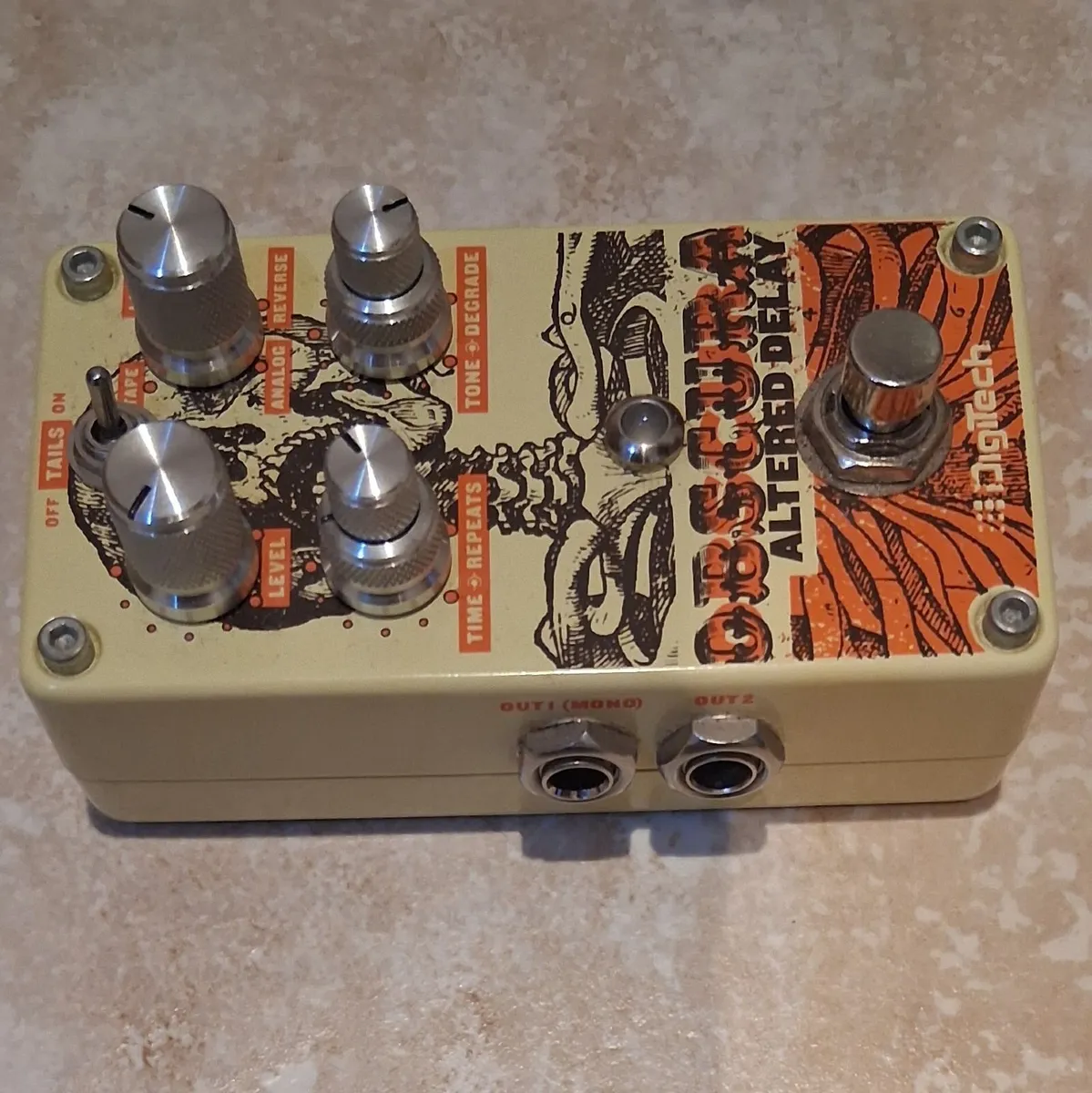
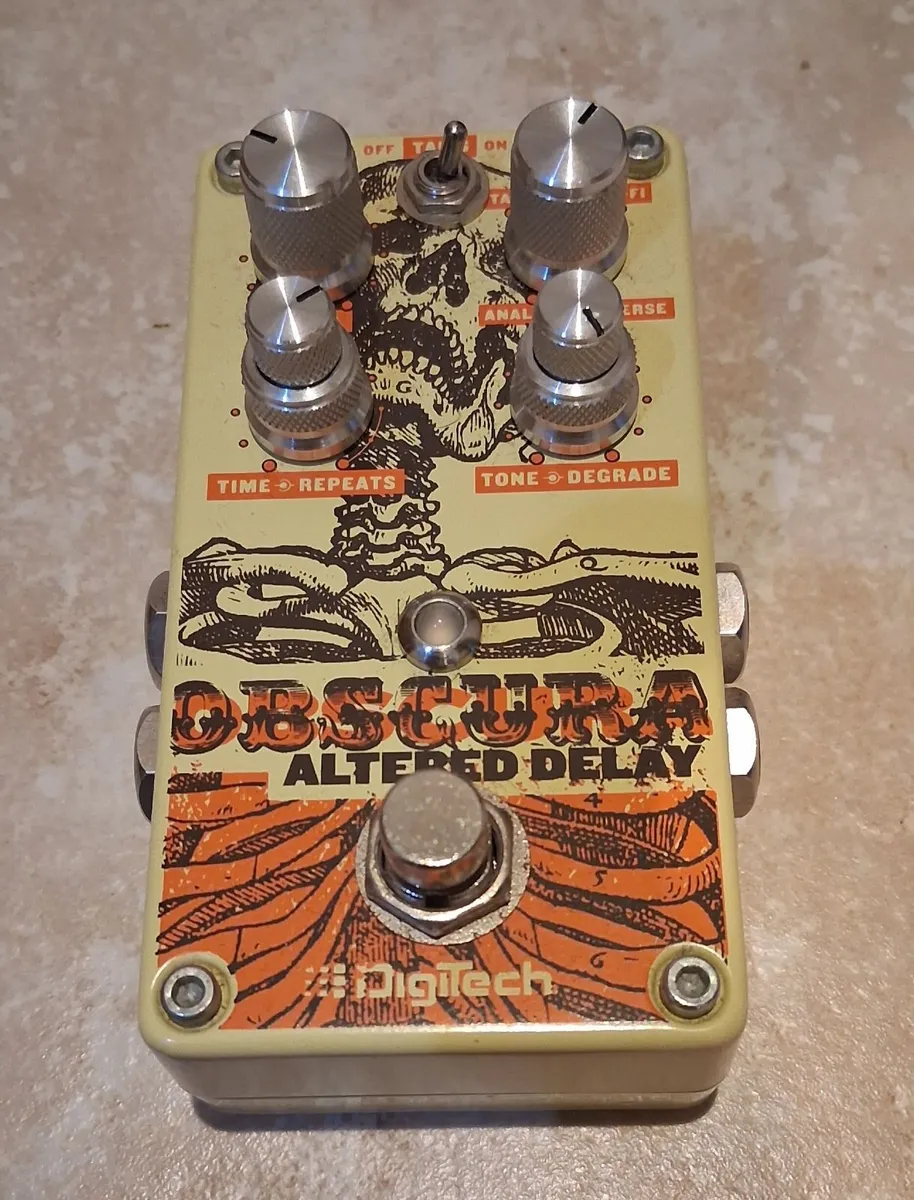
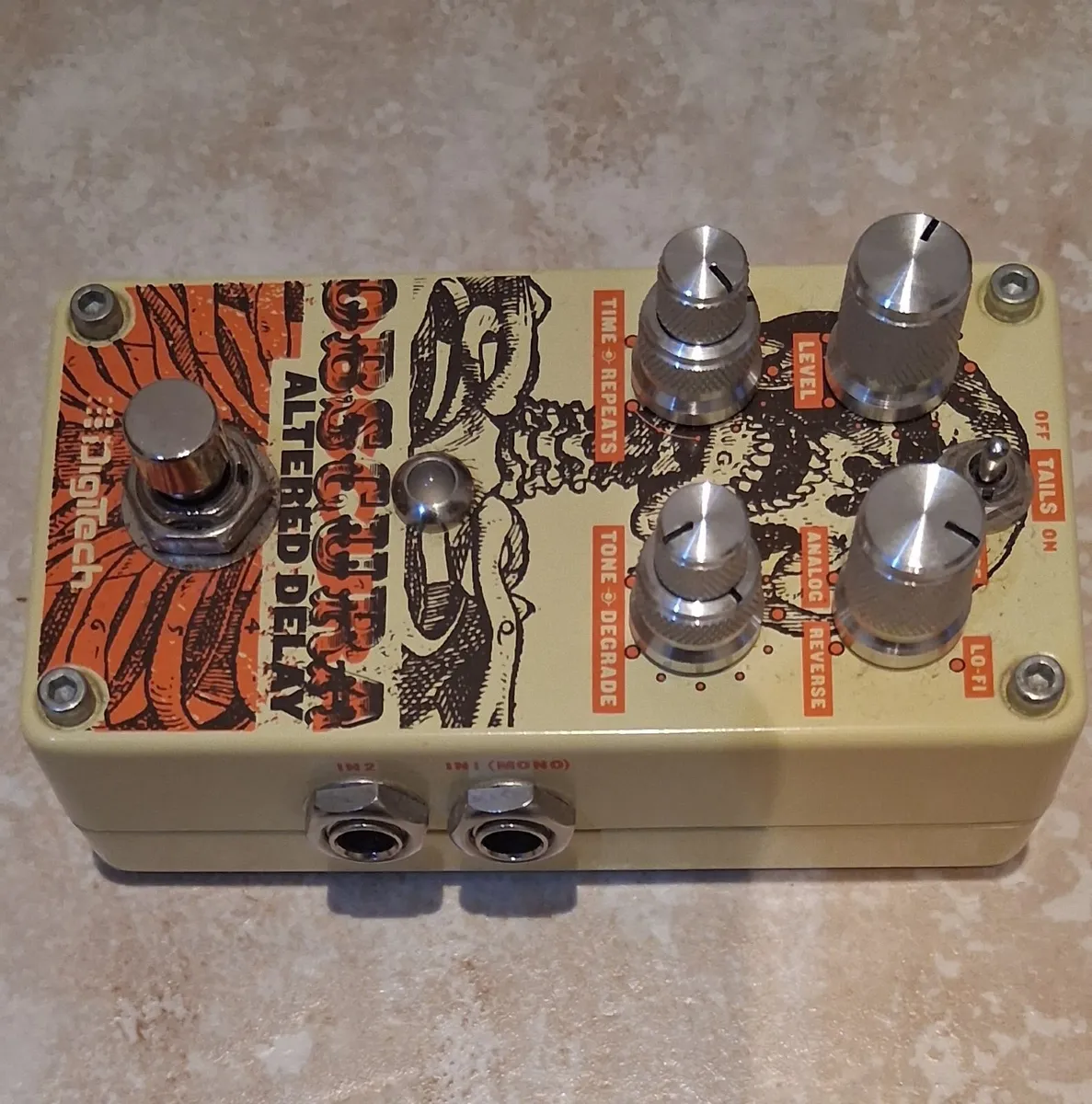

I'm excellent condition In excellent condition fantastic pedal built like a tank. Obscura is in tap tempo mode, with eighth note, quarter note and dotted eighth / quarter note triplet values available. Entering and exiting Tap Tempo mode is accomplished by depressing and holding the footswitch for three seconds. The final two knobs are the stacked Tone and Degrade controls, and they are a big part of what the Obscura is all about. The Tone knob does what you probably expect; it adjusts the tone of the delay repeats, making them either darker and warmer sounding or brighter and more defined. The Degrade control is a bit more complex, and its behavior changes depending on which of the four delay modes you have dialed up. In Analog mode, turning up the Degrade knob increases aliasing and overall grittiness. In Tape mode, the Degrade knob acts like a modulation control of sorts as it increases the amount of Wow & Flutter the further it's turned up. In Lo-Fi mode, turning up Degrade increases the input channel overdrive, leading to increasingly distorted echoes. The Obscura Altered Delay includes a soft-click, vacuum-style footswitch and multi-colored LED. The LED illuminates red when the effect is active. In Tap Tempo mode the LED will flash at the rate of the delay time, and will change color depending on the position of the time knob to indicate the Delay Time Multiplier setting - Green for eighth notes, yellow for dotted eighth / quarter note triplets and red for standard quarter notes. At the top of the pedal is a useful "Tails" switch. This allows you to select the pedal's bypass method; the Obscura features true bypass switching, but this isn't always ideal for a delay since it cuts off any ringing echoes instantly the moment you hit the bypass switch. By selecting the Tails On switch position, you kick in a buffer that allows the tails that are currently ringing out to finish their decay naturally instead of cutting off abruptly. Using the Tails switch
Some information displayed may be provided by third parties or identified using AI, and may not be fully accurate, complete, or up to date.

Email, Phone
Good
Review
12 years
on DoneDeal
4.0/5
1 ReviewThere are no positive reviews to display yet.
Find out how we are keeping you safe.
Learn moreYou may also like
For Sale – Guitar Pedals & Accessories


Legal
DoneDeal.ie is not responsible for the advertised goods. It is illegal to use the contact information for commercial purposes.
Tips and guides